
LX FoundryExperienceDay withEnterprise Cube
Behind the scenes at the LX Foundry Experience Day: sound, setups, and the questions people are too embarrassed to ask
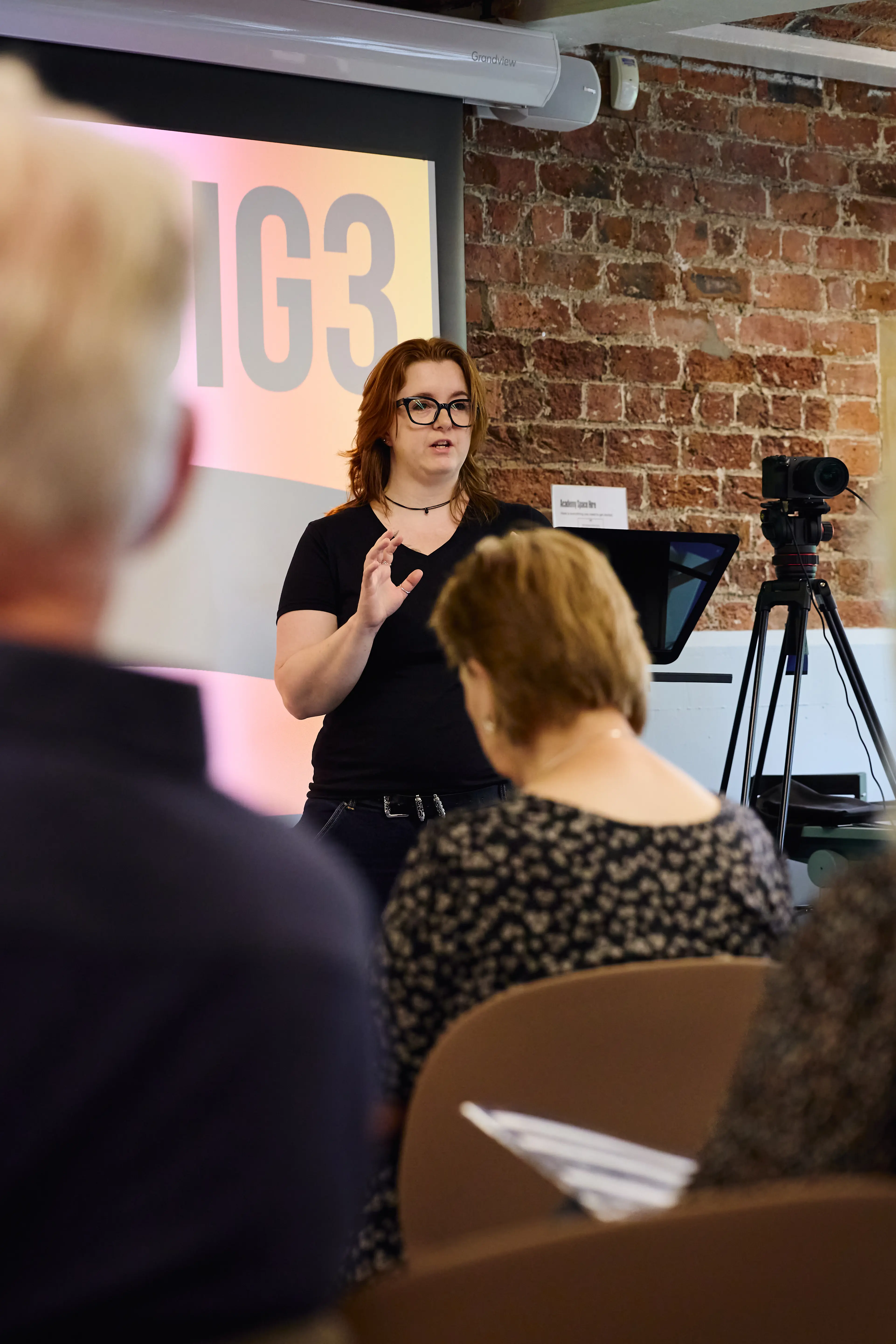
What happens when you put OBS and a microphone in front of 20+ course creators
The Team that made the day and me
I was there as part of the LX Foundry helpdesk crew, and I have to shout out the organisers because they absolutely nailed it.
Richard Lanning and Laura Mumford run Enterprise CUBE and honestly, the whole day is a testament to how well they know their audience.
Richard has this rare gift for making streaming and instructional design feel accessible rather than overwhelming. He's the reason people who were terrified of tech left the room actually wanting to try it. Laura's background in course design and digital training at scale means nothing at these events is accidental; every session is planned so attendees leave with skills they can use immediately, not just inspiration they'll forget by Monday. Together they've built something genuinely valuable for York and North Yorkshire's training community, and it shows in how engaged and well looked-after everyone was.
My fellow crew members on the day were:
Jack Barber of Hello Technology — full-stack developer, camera wizard, and the person you want around when you're trying to figure out multi-cam setups without crying. He's one of those rare developers who actually understands what non-technical people need, which made the camera and lighting sessions run so smoothly.
Anja Richards of Notch Media — brand designer, illustrator, and the 2025 UK Small Business Awards first place winner (which absolutely tracks if you've seen her work). She handled set design and graphics, and her sessions on making a small space look intentional rather than apologetic were genuinely brilliant. She has this way of making design feel achievable rather than exclusive, which is exactly what nervous course creators need to hear.
My brief covered the bits people usually skip over because they seem complicated: sound, microphones, and OBS.
"You can forgive dodgy lighting. You cannot forgive audio that sounds like you're broadcasting from a toilet cubicle."
My 3 top tips
We began the day with an epic introduction from Richard, and then each of the support crew gave their top 3 tips for their specialist area. Here are mine!
#01
Control Your Environment
Before you spend money on a fancy microphone, look at the room you are recording in. Hard, flat surfaces like bare walls, wooden floors, and glass tables bounce sound around and create echo that makes even the best mic sound cheap. Soft materials absorb those reflections, so throw down a rug, close thick curtains, or hang a duvet behind your setup to create a "dead" space. It is the single biggest improvement you can make to your audio quality without spending a penny.
#02
Set your levels properly
Setting your microphone gain too high is one of the most common mistakes I see — it causes "clipping," where your voice distorts every time you get enthusiastic or raise your pitch. In your recording software, watch the level meter and aim to keep your voice bouncing in the yellow zone at the top of the green range. If you hit the red, you have gone too far, and that distortion is almost impossible to fix cleanly in editing. It is much better to record slightly quieter and boost the volume afterwards than to try and rescue a clipped, crunchy take.
#03
Match the mic to the job
Voice mics like the Rode Wireless GO are optimized for speech — they compress music, cut low-end frequencies, and kill the sustain of instruments like singing bowls and gongs. Recording instruments or capturing room ambience? Use a condenser microphone. Recording voice in an untreated room with lots of background noise? Use a dynamic microphone instead. The right mic in the right room at the right level is what separates amateur audio from professional sound.
Good Quality Sound

I ran mic booth trials throughout the day, testing different setups with attendees and talking through what works for which scenario.
A lot of people had already bought a Rode Wireless GO or similar and wanted to know if it was the right tool for their specific content — online courses, live sound baths, recorded training, podcast-style delivery.
The answer, as always, is "it depends on your room and your use case," but most people just need someone to confirm they're not about to waste £200 on the wrong thing.
Key takeaway...
The free software nobody teaches you to use
I also ran sessions on live production using OBS Studio — the free open-source tool that handles streaming and recording.
Most people know OBS exists. Almost nobody knows how to set it up properly without wanting to throw their laptop out of a window.I walked attendees through the fundamentals:
- creating scenes
- switching between camera and screen share views
- setting up audio sources
- configuring recording settings that won't corrupt if OBS crashes.
Key takeaway...
We covered streaming to YouTube and Twitch, though most course creators were more interested in local recording for on-demand content. I showed them how to set up a "Starting Soon" scene, how to arrange sources without accidentally broadcasting their email inbox to the world, and how to export their settings so they don't have to rebuild everything from scratch when they get a new laptop.
Ahead of the day, I'd put together a full beginner's OBS guide and slide deck in LX Foundry branding, which seemed to land well — there's a big difference between "I watched a YouTube tutorial" and "someone actually sat with me and showed me which button does what."
Want our best Tips, Tricks & Offers?
Want training for your own setup?
If you came to the LX Experience Day, I'll honour a free one-hour training session with Jorvik Web Dev to help you implement what you learned — whether that's getting OBS configured properly, choosing the right mic for your content, or just making your home studio look less like a crime scene.
Drop me an email on hannah@jorvikweb.dev and we'll book it in.If you missed the day but you're a course creator or small business owner trying to produce better audio and video content, I run training sessions on OBS setup, microphone choice, and basic studio design.
It's not about buying expensive gear — it's about knowing what you actually need and how to use it properly. Get in touch and we'll sort something out.